Building a brilliant Minecraft server takes hundreds of hours. You configure plugins, build custom spawn points, and balance the economy. However, an amazing server means nothing if no one logs in to play. Competition for players is fierce. Standing out requires a strategic approach to marketing.
Promoting your Minecraft server on popular server lists remains one of the most effective ways to attract a steady stream of new players. These platforms act as search engines for players looking for specific game modes, server versions, and communities.
This guide will show you exactly how to promote your Minecraft server. We will cover the steps to list your server on major platforms, how to optimize your listing to catch a player’s eye, and proven strategies to engage your community for maximum visibility.
Why Minecraft Server Promotion Matters
Every day, thousands of new Minecraft servers launch. Players have endless options, from massive minigame networks to small, tight-knit survival communities. Without active promotion, your server will simply blend into the background.
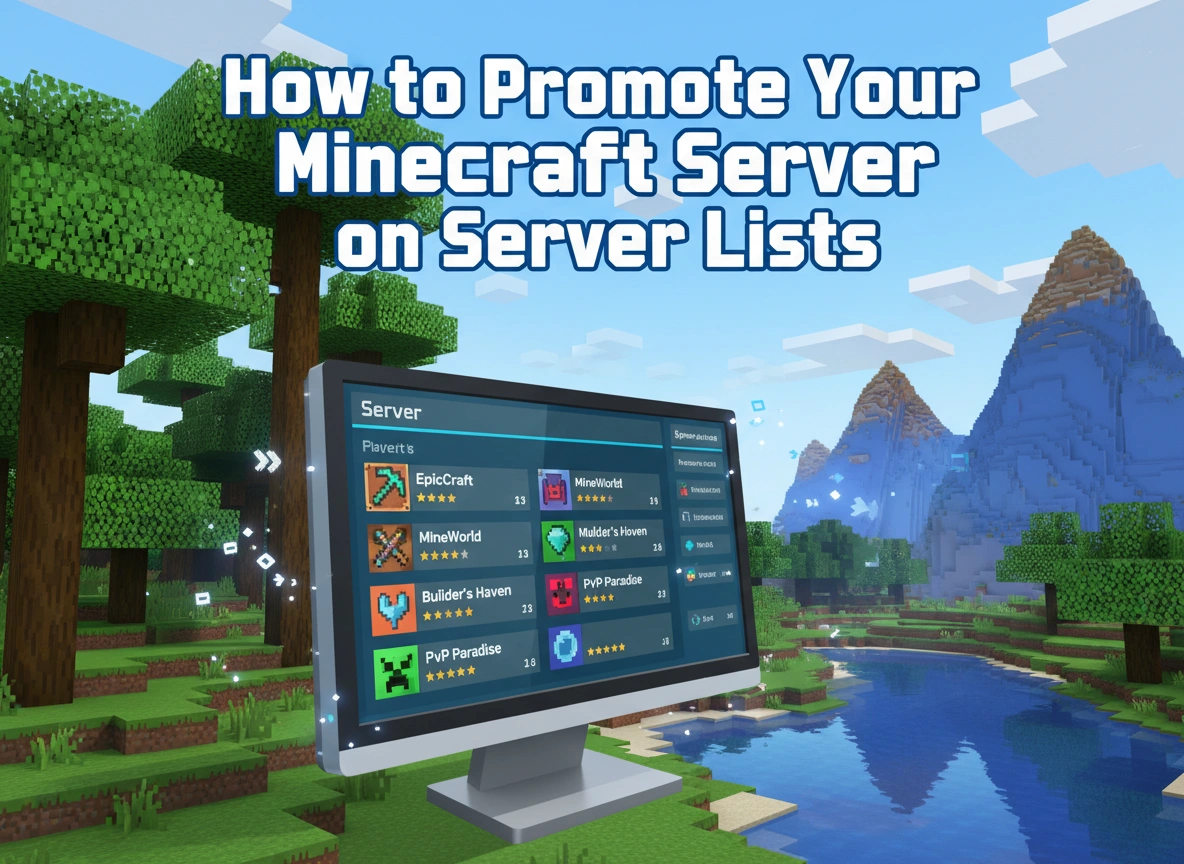
Server lists provide a centralized directory where players browse for their next digital home. When a player wants a “Skyblock server with custom enchants” or a “Vanilla SMP 1.20,” they go to these lists and use the filter tools. Getting your server on these platforms puts your IP address directly in front of an active, searching audience.
Consistent promotion drives traffic, increases your player base, and eventually brings in the donations needed to cover hosting costs. Mastering these directories is your first step toward building a thriving community.
Step-by-Step Guide to Listing Your Server
Adding your server to top directories is a straightforward process. Follow these steps to get your community online and visible across the most popular platforms.
1. Choose the Right Platforms
Not all server lists yield the same results. Focus your initial efforts on the largest and most reputable platforms to maximize your reach. Some of the most popular options include:
- Planet Minecraft
- MinecraftServers.org
- TopG
- Minecraft-Server-List.com
- Minecraft-MP.com
You do not need to list your server on every single website. Pick the top three to five platforms to start. This keeps your efforts focused and makes managing your listings much easier.
2. Gather Your Server Details
Before creating any accounts, organize all the information you need. Having this data ready speeds up the submission process. You will need:
- Server Name: Keep it clean and memorable.
- IP Address: Use a custom domain (e.g., play.yourserver.com) rather than a string of numbers.
- Server Port: Usually 25565 by default.
- Game Version: The specific Minecraft version your server runs (e.g., 1.20.4).
- Game Modes: Identify your primary modes (Survival, Factions, Creative, Prison).
- Server Description: A detailed overview of your features.
- Server Banner: A graphic representing your brand.
3. Create Accounts and Submit
Navigate to your chosen server lists and create a server owner account. Look for the “Add Server” or “Submit Server” button. Fill in the forms using the details you gathered.
Always double-check your IP address and port before hitting submit. If players cannot connect because of a typo, they will simply move on to the next server on the list. Once submitted, some platforms require a quick verification step to prove you own the server, usually by changing the server’s Message of the Day (MOTD) temporarily.
Tips for Optimizing Your Server Listing
Simply being on a list does not guarantee players. Your listing needs to grab attention and persuade users to copy your IP address. Here is how you can optimize your presence.
Craft a Captivating Description
Your description acts as your sales pitch. Avoid massive walls of text. Instead, break your information down into scannable paragraphs and bullet points.
Highlight what makes your server unique. Do you have custom bosses? A player-driven economy? A strictly non-toxic community rule? Mention these features right away. Use clear, professional formatting. Treat your server description like a landing page designed to convert readers into active players.
Use High-Quality Images and Banners
Humans process visuals much faster than text. Your server banner is often the first thing a player sees while scrolling through hundreds of options.
Invest in a high-quality, professional banner. Many top servers use animated GIF banners to catch the eye. Ensure the text on your banner is easy to read, even when scaled down. Include your server name, IP address, and two or three key features. Additionally, upload high-resolution screenshots of your custom builds or active players to your gallery if the platform allows it.
Integrate Relevant Keywords
Server lists operate like search engines. Players type specific keywords to find what they want. You need to anticipate these terms and include them naturally in your title and description.
If you run a peaceful survival server, ensure words like “PvE,” “GriefPrevention,” “Economy,” and “Friendly Survival” appear in your text. Do not stuff keywords unnaturally. Instead, weave them into descriptive sentences about your server’s gameplay loop.
Strategies to Boost Visibility Through Community Engagement
Ranking high on server lists usually depends on one metric: votes. The more votes your server receives from players, the higher it climbs on the front page. Higher rankings equal more traffic.
Incentivize Player Voting
Players rarely vote for a server purely out of goodwill. You need to reward them for their time. Install a voting plugin like Votifier on your server. This plugin links your server to the listing websites, allowing you to track when a player votes.
Offer valuable in-game rewards for voting. This could include in-game currency, experience points, rare items, or temporary access to special commands. Create a system where players get a bonus for voting on all your listed sites or for voting consecutively every day of the week.
Respond to Reviews and Feedback
Many popular server lists allow players to leave comments and ratings. Engage with this feature actively. When a player leaves a positive review, thank them for their support.
When you receive a negative review, respond professionally. Address their concerns and explain how you plan to fix the issue. Showing that an active, caring admin team runs the server builds trust with prospective players reading those reviews.
Host Server Events
Drive bursts of activity by hosting scheduled server events. Announce these events on your server list descriptions a few days in advance. Events like PvP tournaments, drop parties, or building contests give new players a compelling reason to log in immediately.
During these events, remind your active player base to vote. A large spike in votes during an event can push your server to the front page, capitalizing on the high player count to attract even more newcomers.
Conclusion
Promoting your Minecraft server takes just as much dedication as building it. By understanding how to leverage popular server lists, you place your community directly in the path of thousands of searching players.
Start by selecting the most active platforms and submitting your server details. Take the time to craft a visually appealing, keyword-rich listing that highlights your unique features. Finally, integrate a robust voting reward system to climb the ranks and maintain your visibility.
Take action today. Claim your spot on the top directories, optimize your banners, and start welcoming new players to your community.